Re: vinyl cutting issue with flexicut or signcut
Posted: 02 May 2013, 18:42
I am just wondering if anyone can help me on an issue i have got.
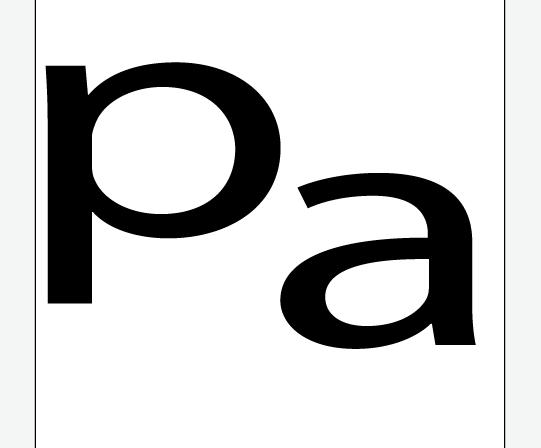
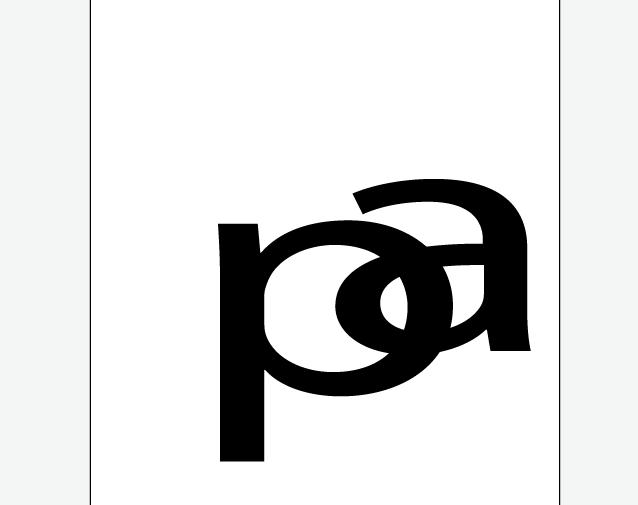
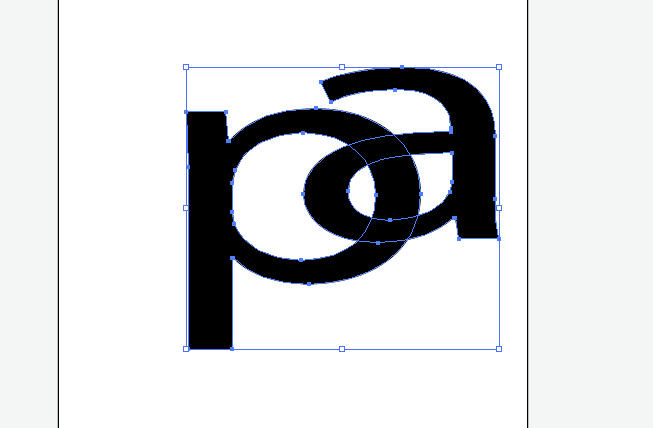
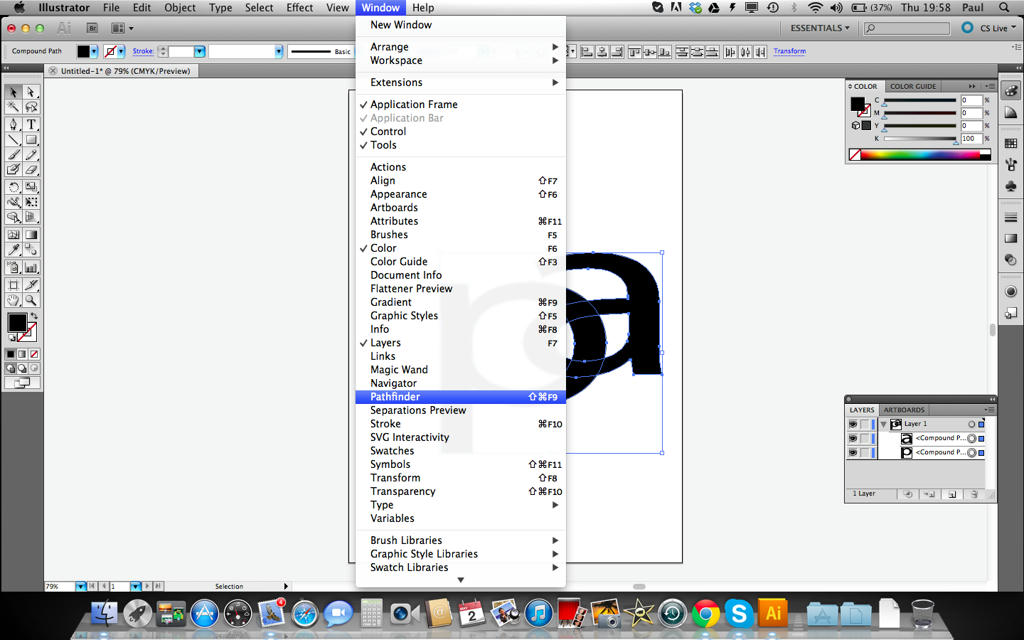
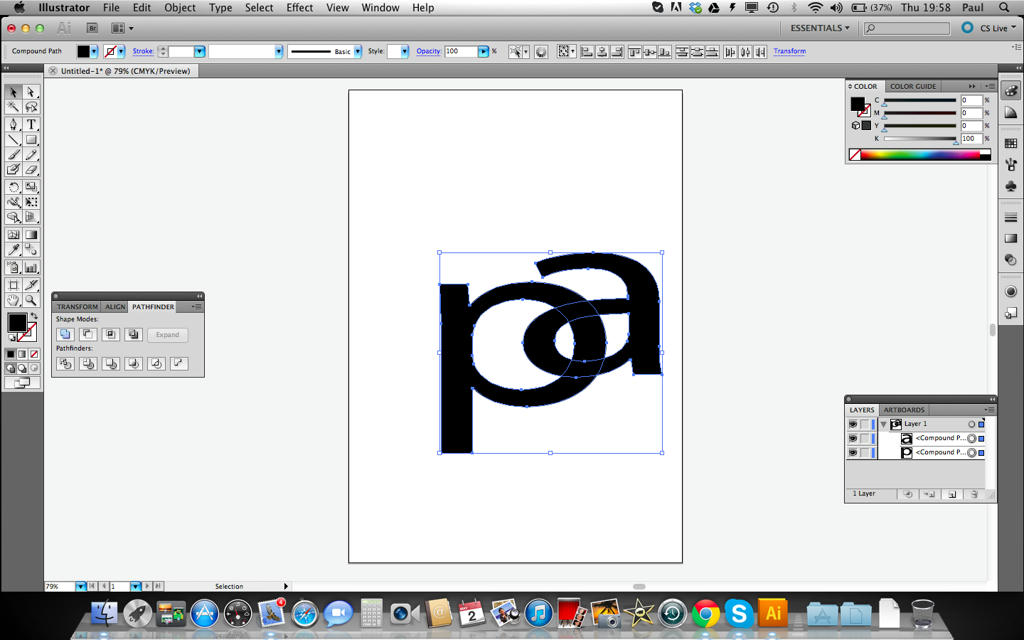
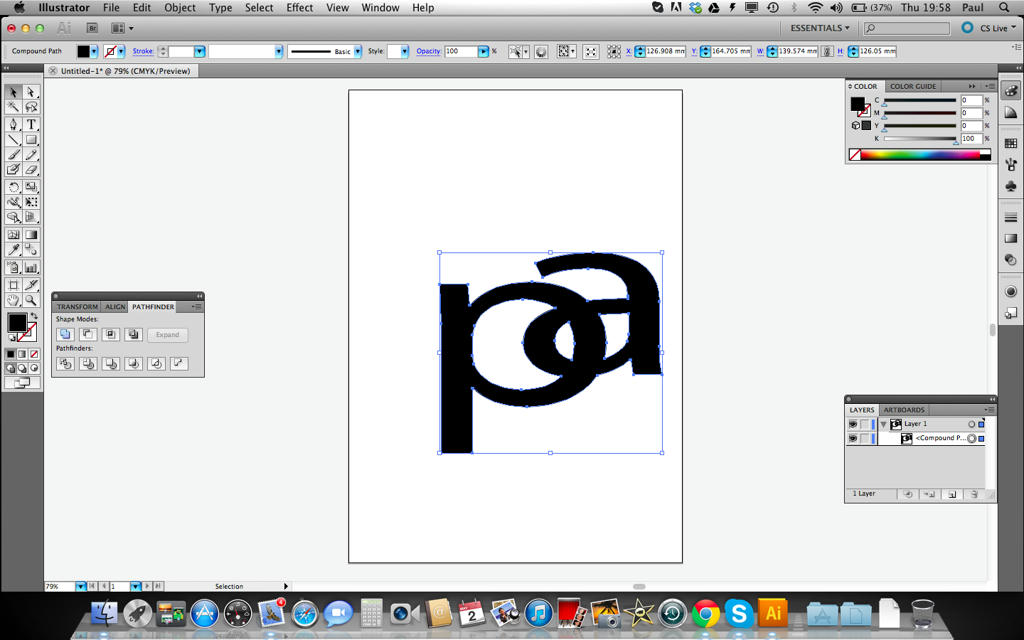
So when i design a new graphic piece i layer many different things on top of each other in illustrator. So i can then either send it to signcut or flexi. The issue i have is that rather than ignore any paths that are hidden by layers the cutter cuts everything out, thereby ruining the layer that is over the one underneath. An example of this is that i placed a load of scroll work and some roses under a skull. sent it to signcut and everything that was hidden under the skull layer was cut into the skull layer. This is something i really do not want, I dont want to have to do each layer seperately, i just wand all the hidden parts ignored in the cut, that or i have to edit the sections in illustrator and remove them manually.
Any suggestions.
So when i design a new graphic piece i layer many different things on top of each other in illustrator. So i can then either send it to signcut or flexi. The issue i have is that rather than ignore any paths that are hidden by layers the cutter cuts everything out, thereby ruining the layer that is over the one underneath. An example of this is that i placed a load of scroll work and some roses under a skull. sent it to signcut and everything that was hidden under the skull layer was cut into the skull layer. This is something i really do not want, I dont want to have to do each layer seperately, i just wand all the hidden parts ignored in the cut, that or i have to edit the sections in illustrator and remove them manually.
Any suggestions.