Page 1 of 1
Re: Full mug printing and wraparound problems
Posted: 10 Mar 2015, 16:33
by TyneTees
Hello all, from a newbie!
I recently bought a Studio Mug Press from Xpres, which is working fine but I do seem to have problems when doing full mug printing whereby the image goes from top to bottom of the mug. I was told that the press is able to do this but I'm finding that at the very top of the image, at the edge of the mug, there is sometimes some bleed from the colour and the print it distorted/dotty at the very top. Also at the bottom there is sometimes a problem with solid colours looking a bit faded in places.
I understand that because the thickness of the mugs at the top and bottom, it is tricky to get this right but I've seen some brilliant examples of full printing from top to bottom.
Temp: 180 degrees
Time: 180 seconds
^^in line with manufacturer's guide
Could anyone offer any advice on this?
Many thanks in advance.
Scott
Re: Full mug printing and wraparound problems
Posted: 10 Mar 2015, 16:57
by Paul
you could go for bit longer. Ie. 240 sec.
ALso quality mugs matter.
Re: Full mug printing and wraparound problems
Posted: 10 Mar 2015, 16:59
by socialgiraffe
Pre warm base as well
Re: Full mug printing and wraparound problems
Posted: 10 Mar 2015, 17:43
by Justin
Whose mugs are you using? I find with the Xpres mugs I don't need to warm the base with this press but I also ensure my office is kept at a decent temperature.
If you're using decent 10oz mugs low pressure is all that's needed.
Re: Full mug printing and wraparound problems
Posted: 10 Mar 2015, 18:43
by soulclaimed
Some people flip mug half way through
Re: Full mug printing and wraparound problems
Posted: 11 Mar 2015, 08:40
by TyneTees
Thanks for the replies.
I'm using the 10oz mugs from Xpres, I tend to get all of my supplies from them. The room itself is normally quite warm.
If the paper is going over the edges of the cup itself, would this cause the ink to bleed and bubble a bit?
I'll try and extend the time a bit and see what happens.
In terms of flipping the mug half way through - I'm not sure whether I can do that as I think they only go in one way otherwise they're not secure?
Re: Full mug printing and wraparound problems
Posted: 11 Mar 2015, 17:49
by Justin
Flipping can be useful where blankets/mugs are less than perfect but you shouldn't be having these issues. have you spoken to Xpres tech. support for their advice? Overlapping shouldn't cause a problem other than possible blow out under the mug. What pressure are you using? Maybe post a couple of pics for us?
Re: Full mug printing and wraparound problems
Posted: 11 Jun 2015, 10:51
by Lindsay
I have also been having with our map press. We have a press from CityInk and we have had massive problems with full images on mugs and basically the press in general! For our mugs where we just have an image on the front we press for 125 seconds at 180 degrees, this seems the perfect settings for our designs, however we have tried a number of times / temperatures for the full images with no luck! We will be sending our press back once we have purchased a new one as our one just seems to have problem after problem!
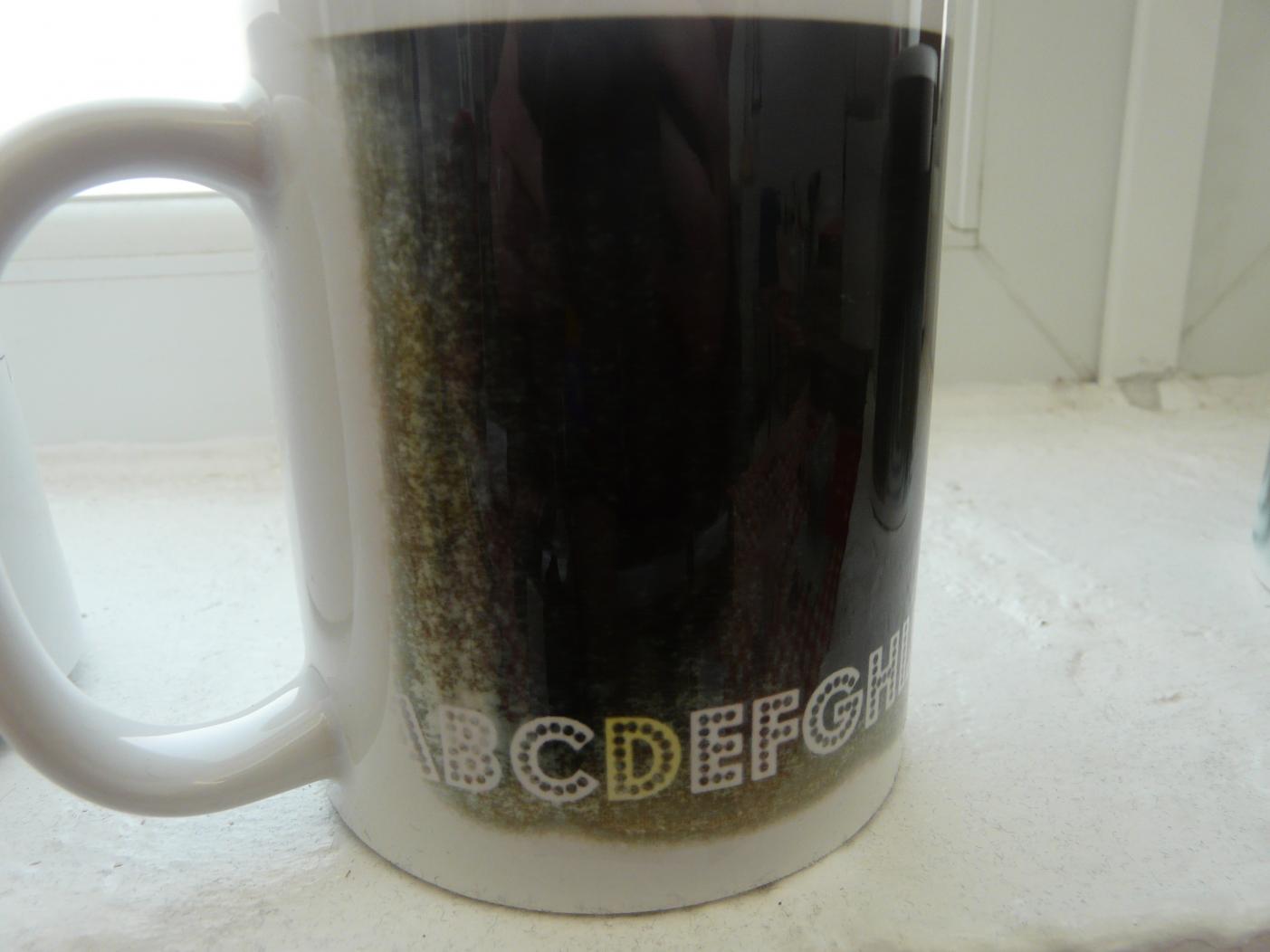
- vB_ID:3531
- P1160580.jpg (79.69 KiB) Viewed 50 times
- vB_ID:3531
- P1160580.jpg (79.69 KiB) Viewed 50 times
Re: Full mug printing and wraparound problems
Posted: 11 Jun 2015, 16:34
by logobear
ditto pre warm mug, - allow it to sit at your idle temperature for a while before starting the cooking cycle.
180-c sounds high .....
Re: Full mug printing and wraparound problems
Posted: 12 Jun 2015, 18:08
by A11kns
I press for 180 sec at 180 deg. When I put a mug in the temp drops... Wait until it hits 180 again then I start the timer... Perfect every time.