Page 1 of 1
Re: Ricoh SG-3110DN Owners - Can you help?
Posted: 08 Dec 2016, 23:53
by justr77
I am trying to work out where an issue I am having is coming from. I am printing out mug designs on a Ricoh SG-3110DN printer with Sublijet-R inks and Texprint paper.
I know this is quite a common setup and was wondering if somebody who is running the same could print out a couple of designs I email to them and post them to me?
Obviously I will pay for postage and paper / ink costs!
Would be massively appreciated if somebody can help me out

Re: Ricoh SG-3110DN Owners - Can you help?
Posted: 09 Dec 2016, 16:36
by Justin
What issue are you having? Most favour Truepix with this setup.
Re: Ricoh SG-3110DN Owners - Can you help?
Posted: 09 Dec 2016, 17:40
by UK Printed Mugs
We have the 7100 (A3) Ricoh, Sublijet-R and Truepix paper. Happy to print and post a couple of designs on Monday if that helps.
Re: Ricoh SG-3110DN Owners - Can you help?
Posted: 30 Dec 2016, 12:59
by justr77
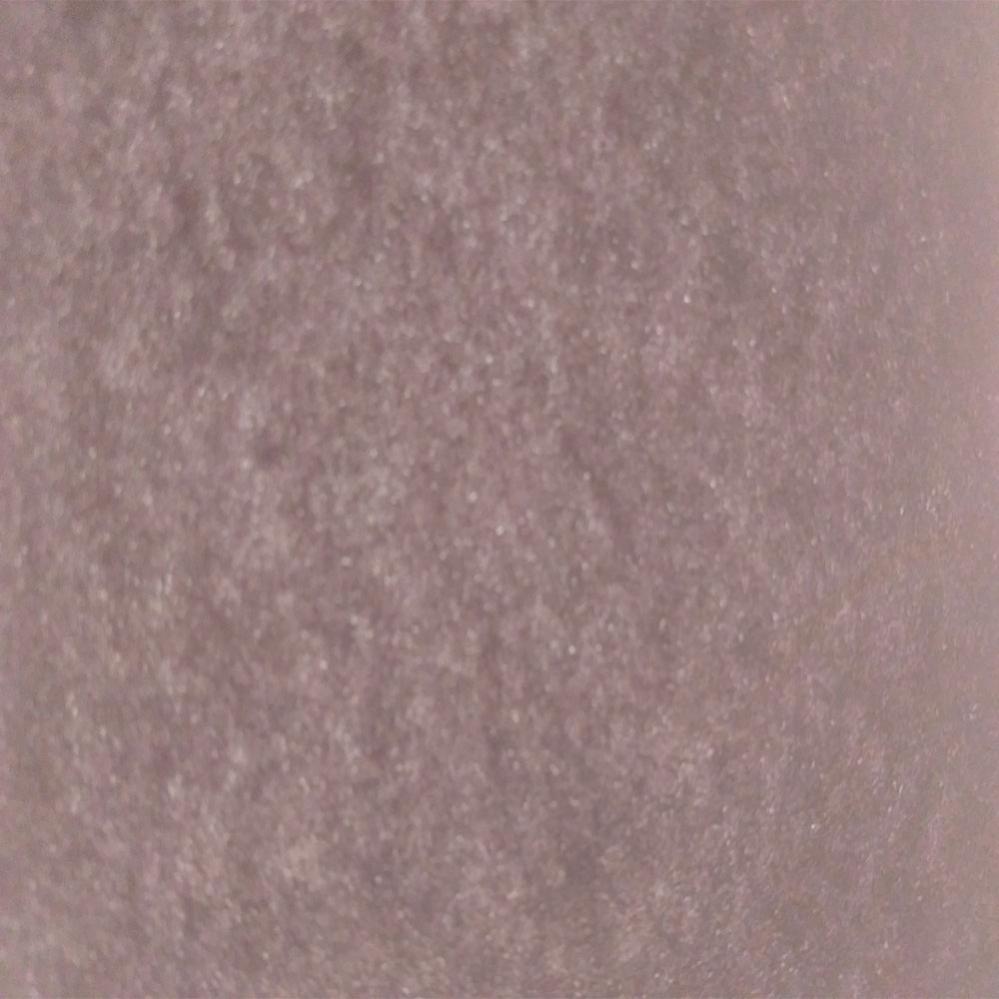
This is a photo of a black square printed out using my Ricoh 3110 with in date Sublijet-R cartridges and onto Texprint-r paper. It is being held up against a window for this photo.
- vB_ID:4398
- blacklight.jpg (78.88 KiB) Viewed 241 times
Could anybody with the same setup confirm that this is similar to what they see in a printout of theirs? I am specifically talking about the speckled and mottled appearance.
Re: Ricoh SG-3110DN Owners - Can you help?
Posted: 04 Jan 2017, 15:13
by cbx1963
Hi
I had a problem with my Sg3110 and sawgrass inks, prints looking poor well actually pixelated then after a lot of faffing cursing and swearing I noticed I done the designs in Photoshop at the default page 80 dpi. redid the designs at 300 dpi prints are crisp and clear.