Page 3 of 4
Re: Mug AND coaster mockup PSD files
Posted: 02 Jan 2015, 18:11
by bigj2552
FBW;95869 wrote:bigj - looks to me like you've slightly moved the layer that holds the smart object details (your design). When you have finished design on the psb file, flatten it and save. Ive looked at the master copy and it is perfectly aligned so user error there Im afraid. As for size flatten everything and then go to Image> Image Size and choose a height...1024 is usually plenty for web use
Justin - yes on that design just make a blank layer above the blue grid one - fill with white and then with your design layer at top move it to the right - flatten and save and it will be clear of the handle. How much? About 20% worked for me.
your spot on my friend


Re: Mug AND coaster mockup PSD files
Posted: 02 Jan 2015, 19:42
by FBW
aha good job. great colours!
Re: Mug AND coaster mockup PSD files
Posted: 02 Jan 2015, 22:40
by Justin
FBW;95869 wrote:Justin - yes on that design just make a blank layer above the blue grid one - fill with white and then with your design layer at top move it to the right - flatten and save and it will be clear of the handle. How much? About 20% worked for me.
Thanks FBW. Couldn't quite grasp what you've said, I selected the mask on the layer, right mouse clicked, chose subtract mask which highlighted the mask itself, blanked out the required section next to the handle and this appears to work ok. Maybe just a different way to do the same
Re: Mug AND coaster mockup PSD files
Posted: 02 Jan 2015, 23:10
by FBW
Yeah more than one way to skin a cat in PS.
BUT...the way you describe is your design not cut off prematurely near the handle?
For me its a case of moving the design over to the right even if some of it spills off and isnt seen as that's just the part that would be wrapped around.
So on that part of the blue grid template there is a lot of blank space on the left - which the handle will fill when flattened
But if you've found another way that is good then...cool.
Re: Mug AND coaster mockup PSD files
Posted: 03 Jan 2015, 10:48
by funkey monkey
Think I'll stay with my good old tried & tested method where I only need to add the image.
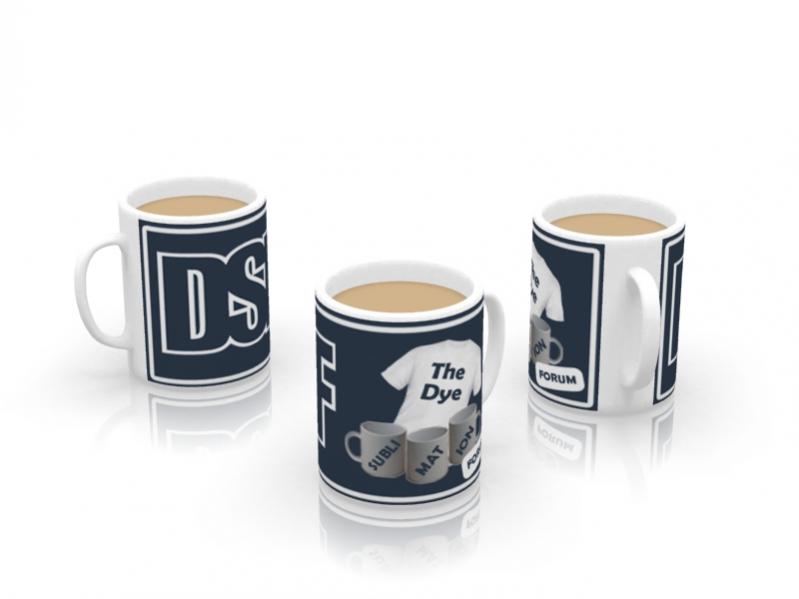
- vB_ID:3162
- DSF3 Mug.jpg (26.67 KiB) Viewed 539 times
Re: Mug AND coaster mockup PSD files
Posted: 03 Jan 2015, 15:35
by ArferMo
Quite like that view
funkey monkey where is that template from ?
Re: Mug AND coaster mockup PSD files
Posted: 04 Jan 2015, 15:07
by funkey monkey
It's done in Box Shot 3
Re: Mug AND coaster mockup PSD files
Posted: 07 Jan 2015, 23:21
by bigj2552
is there such a thing as - place mat mock ups ? the same as the coaster ones ?
yes i can scan the ones here, but you dont get the 3d effect as you do with the coasters

ideal for sizing the scanning is, but thats it
Re: Mug AND coaster mockup PSD files
Posted: 07 Jan 2015, 23:56
by Paul
I use this
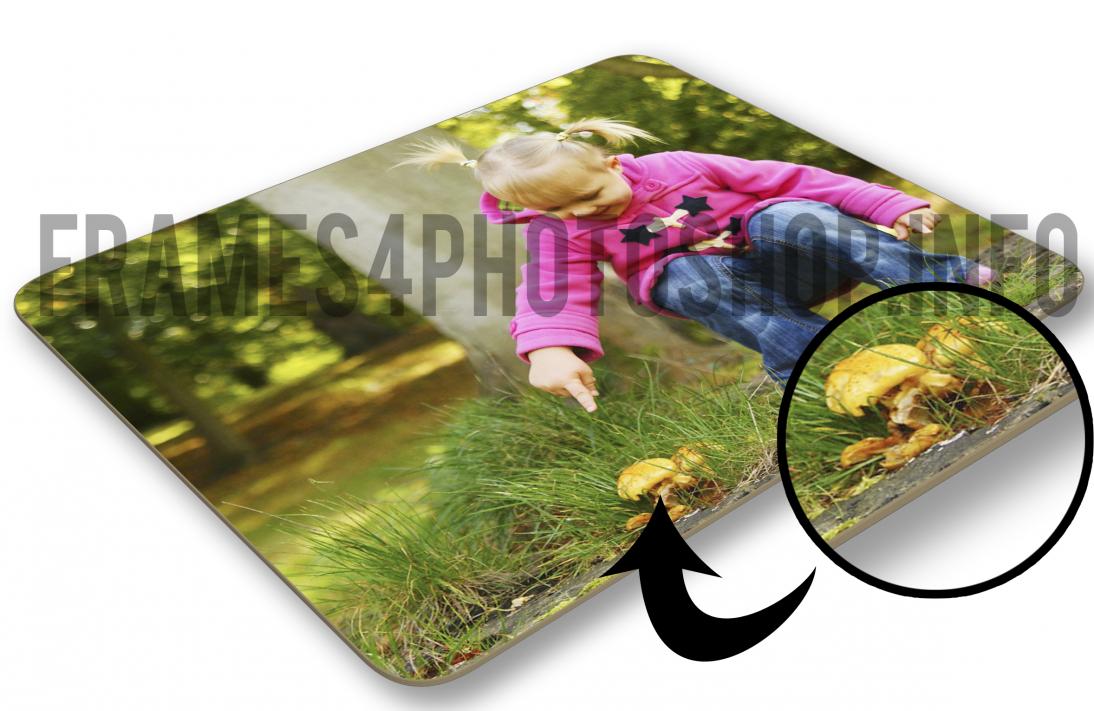
- vB_ID:3175
- placemat mockup.jpg (92.54 KiB) Viewed 539 times
Re: Mug AND coaster mockup PSD files
Posted: 08 Jan 2015, 07:31
by Justin
I'm getting quotes for an item to be made into a 3D mockup, so far they vary from $50 - $300.